Upload your logo, see it on your products
Your logo on dozens of packs before you pick a design. Boxes, tubes, bottles, jars, pouches and tins; tap the product you like and start the design on it.
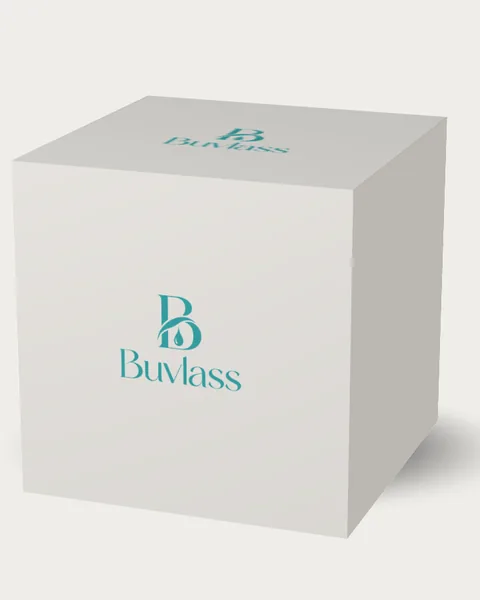
Cream box
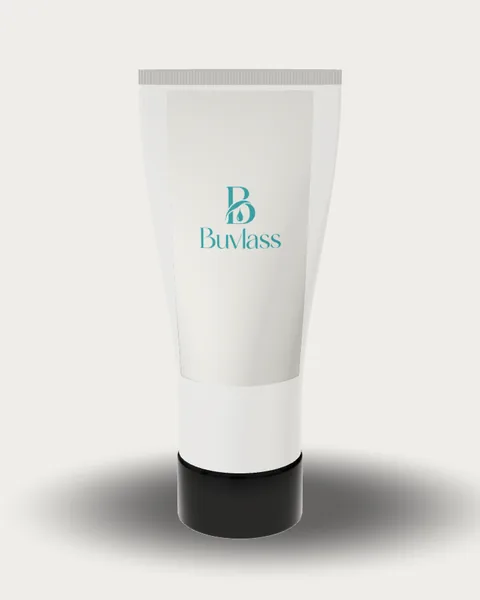
Cream tube (printed straight on the tube)
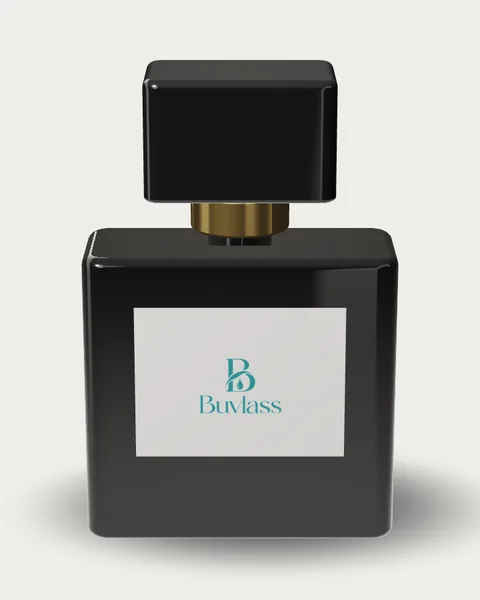
Perfume bottle
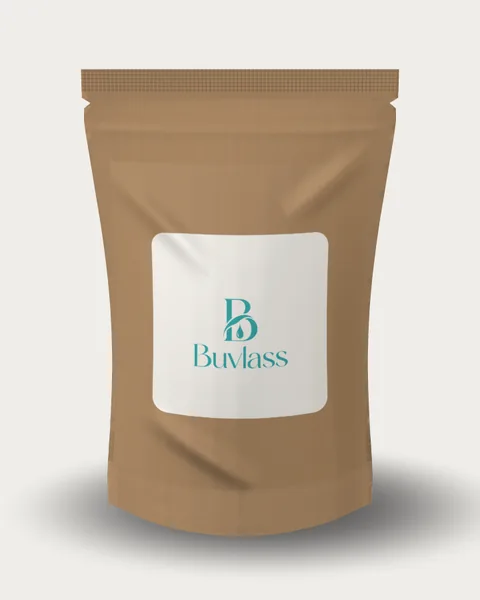
Coffee pouch
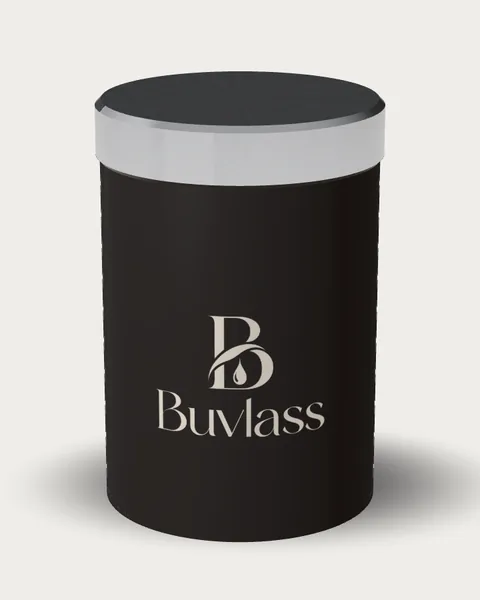
Coffee tin (printed on the body)
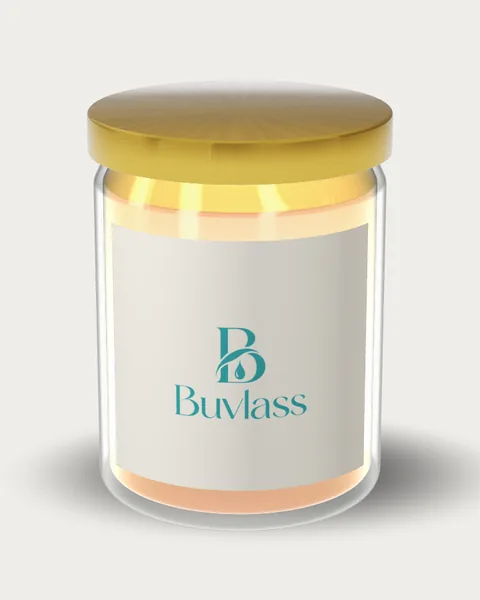
Honey jar
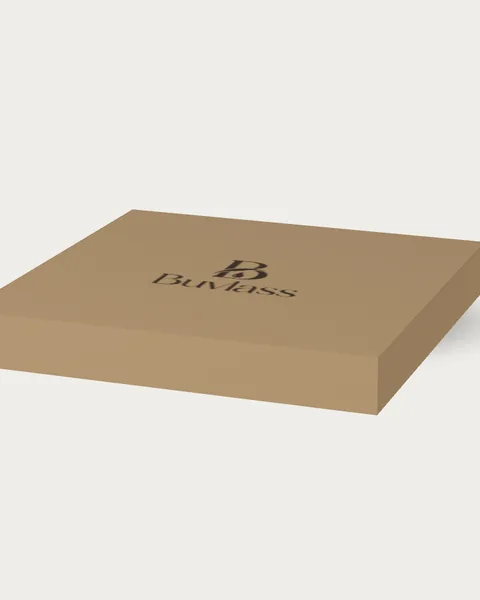
Pizza box
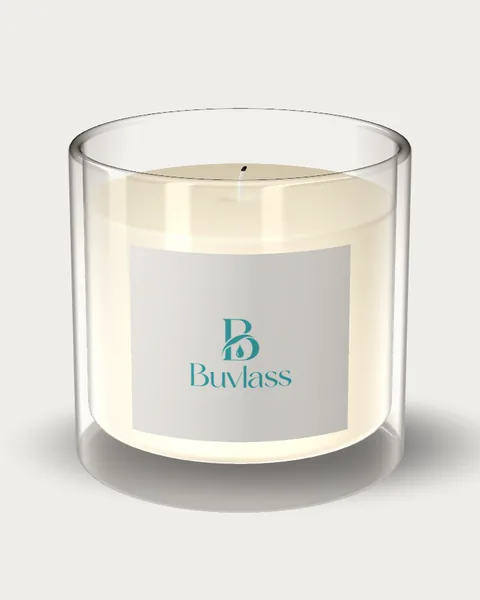
Candle jar
Sample logo: Buvlass. In the studio you see your own logo.
How it works
- Upload your logo; the studio removes its background if it has one.
- Your logo appears at once on boxes, tubes, bottles, jars, pouches and tins, each with its own print method: printed on the tube body, a label on the jar, a sticker on the pouch.
- Tap the product you like; a design is prepared at that product's size with your brand and downloaded as a print-ready file.
To browse ready designs: box designs · label designs · free dieline template
FAQ
Is the logo mockup paid?
No. Uploading your logo, seeing it on products and choosing a product is free. Preparing a design with your brand uses 1 design right; with the trial right added at sign-up you download your first design as a watermarked trial file, and a clean file needs a paid right.
Which products can I see it on?
Boxes, tubes, bottles, jars, pouches and tins: 12 on the first screen, 24 in all. On the tube and the coffee tin the logo is printed on the body, because these products do not take a stick-on label.
What if my logo has a background?
The studio removes the logo's background and places only the mark on the product. You can upload PNG, JPG, WEBP or SVG.
Is my logo stored anywhere?
For the mockup your logo is drawn in your browser and not stored on the server. When you move on to a design it is saved with your project.